How EasyRoutine works: routines, activities and logs
Three things. That is the whole app. You make routines, fill them with activities, and log them as you go. Here is one routine built from start to finish.
1. Routines
A routine is a named group of things you do together: Morning, Evening skincare, Gym, Dog. Make as many as you like and reorder them so the one you use most is first.
2. Activities
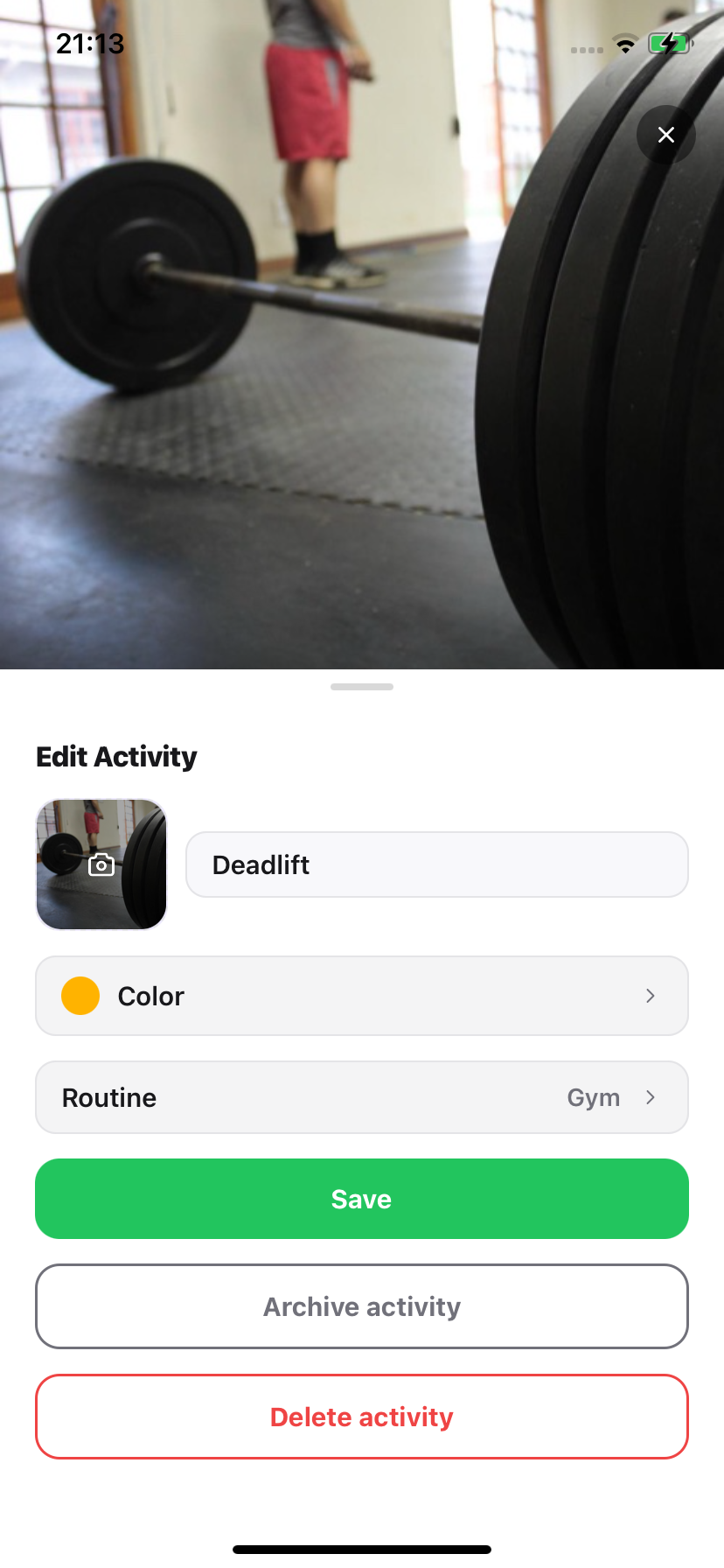
Activities are the individual items inside a routine. Each has a name, a colour and, ideally, a photo of the real thing. Take the photo first and EasyRoutine suggests a name for it, so adding "Magnesium glycinate" is a photo and one tap.
3. Logs
Every time you do an activity, you log it. There are two ways:
- Tap it on the calendar. If you did it earlier, adjust the time.
- Scan it: open the Scan tab and point the camera at it. See AI photo scan.
Add a note or a red, amber or green flag if you want to remember how it went.
Worked example: a morning supplement routine
- Create a routine called Morning.
- Add three activities by photographing the bottles: vitamin D, omega 3, magnesium.
- Each morning, scan each bottle as you take it, or tap all three on the calendar.
- Check the week view on Friday: any gap is a morning you missed.
- With Premium, schedule the three activities for 7:30 every day and get a reminder at 7:30.
Where to go next
- Scheduling: days, times and date ranges.
- Reminders: a nudge when it is due.
- Calendar & streaks: the record of what you did.
Common questions
What is the difference between a routine and an activity?
A routine is a named group, like "Morning" or "Gym". Activities are the individual things inside it, like "Vitamin D" or "Rowing machine". You log activities.
How long does it take to set up?
A routine with three activities takes a couple of minutes: name the routine, then photograph each item and accept or edit the suggested name.
Can I track a treatment that only lasts a couple of weeks?
Yes, with Premium scheduling: give the activity an active period with a start and end date and it only appears between them.
Keep reading
Free on iPhone and Android. Sign in with Apple, Google or your email to start.