How to log an activity by scanning a photo in EasyRoutine
Tap the round AI snap to log button, take a photo of the item, and EasyRoutine logs the matching activity right away. If it finds no match, you pick the activity yourself and tap Log it.
Before you start
- The scan only knows your own activities that have a photo. Add your activities with a photo first.
- The scan is free and needs an internet connection.
- It uses the camera only. You cannot scan a photo from your gallery.
1. Tap the AI snap to log button
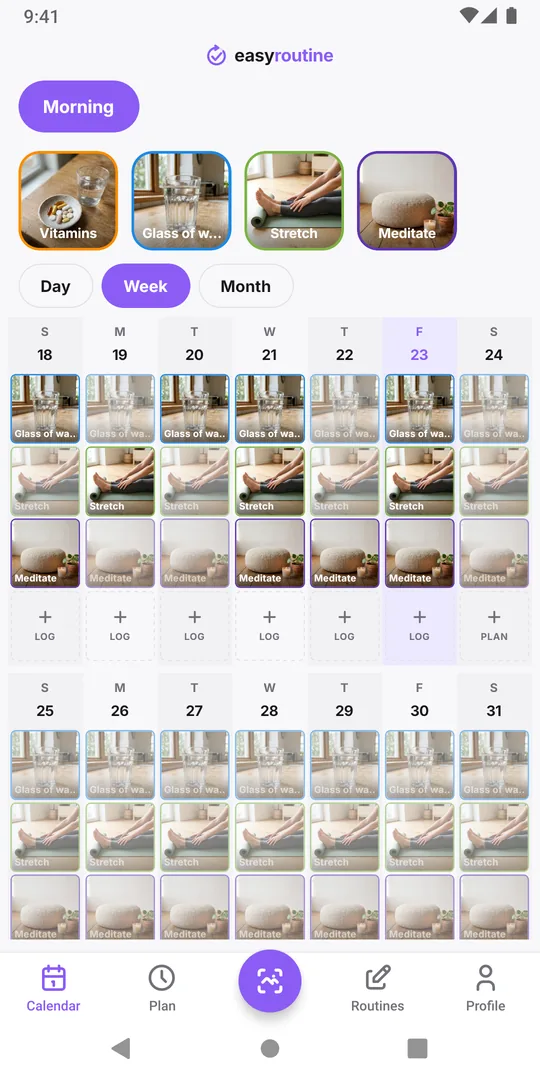
Tap the round AI snap to log button in the middle of the bottom bar. It does not matter which routine the Calendar shows: the scan looks through all your routines. The camera opens by itself.
2. Take a photo of the item
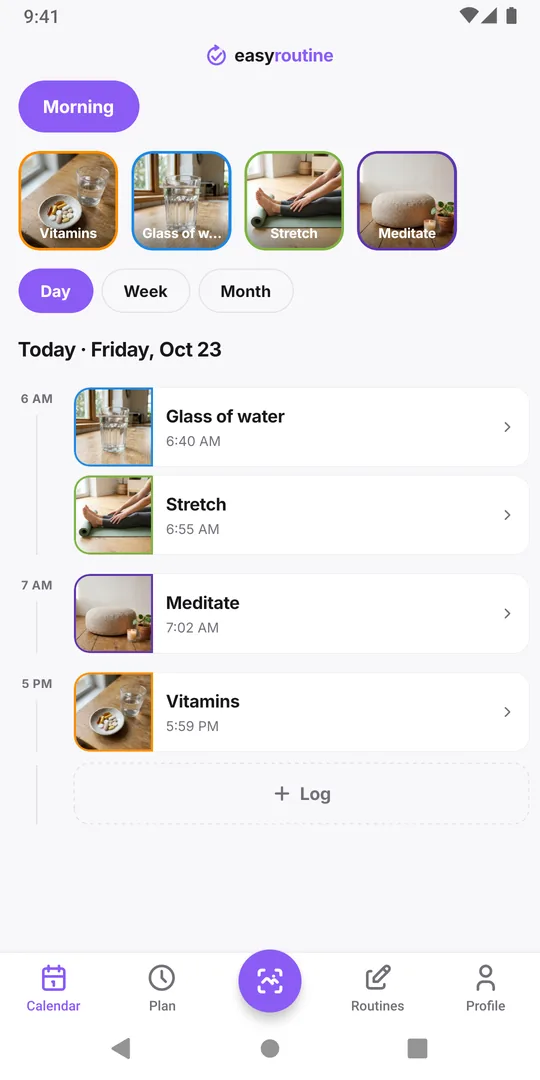
Photograph the thing you just used, such as the vitamin bottle or the skincare tube, with its label in view. EasyRoutine shows Matching…, compares the photo with your activities, and on a match logs that activity straight away at the current time. There is no confirm step: you land back on the Calendar, switched to the matched activity's routine, with the new log on today.
3. No match? Pick it yourself
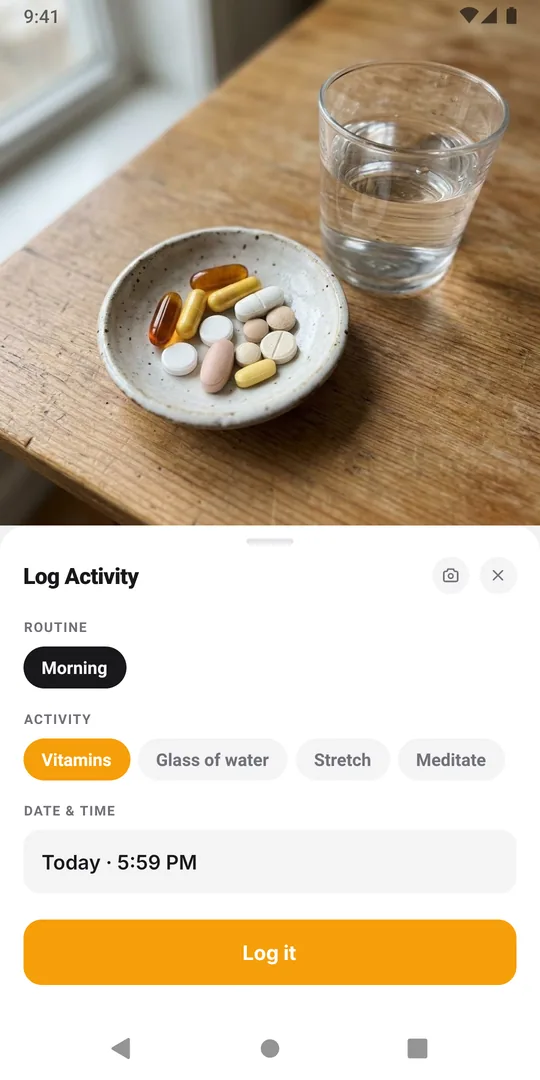
If nothing matches, the app says No match found. Select manually. and shows a form instead. Pick the routine and the activity, check the Date & time, and tap Log it. The camera button at the top of the form takes another photo.
The same form opens if you close the camera without taking a photo, so it doubles as a quick way to log by hand.
After the scan
A scan logs only the activity and the time. To add a note, a flag, or a different time, tap the new entry on the calendar: see how to add a note or flag. If the scan picked the wrong activity, delete that log and read why the scan picks the wrong activity.
Common questions
Which routine does the scan look in?
All of them. It compares the photo with the activities in every routine, and on a match the Calendar switches to that activity's routine. The routine on screen only decides close calls.
Does scanning cost extra?
No. The scan is part of the free plan. There is a daily limit of 300 AI requests per account, counting scans and photo name suggestions together.
Keep reading
Free on iPhone and Android. Sign in with Apple, Google or your email to start.