Calendar and streaks: see how consistent you have been
The question a routine tracker exists to answer is "did I actually do it?". EasyRoutine answers it with a calendar of everything you logged, in the view that suits the question.
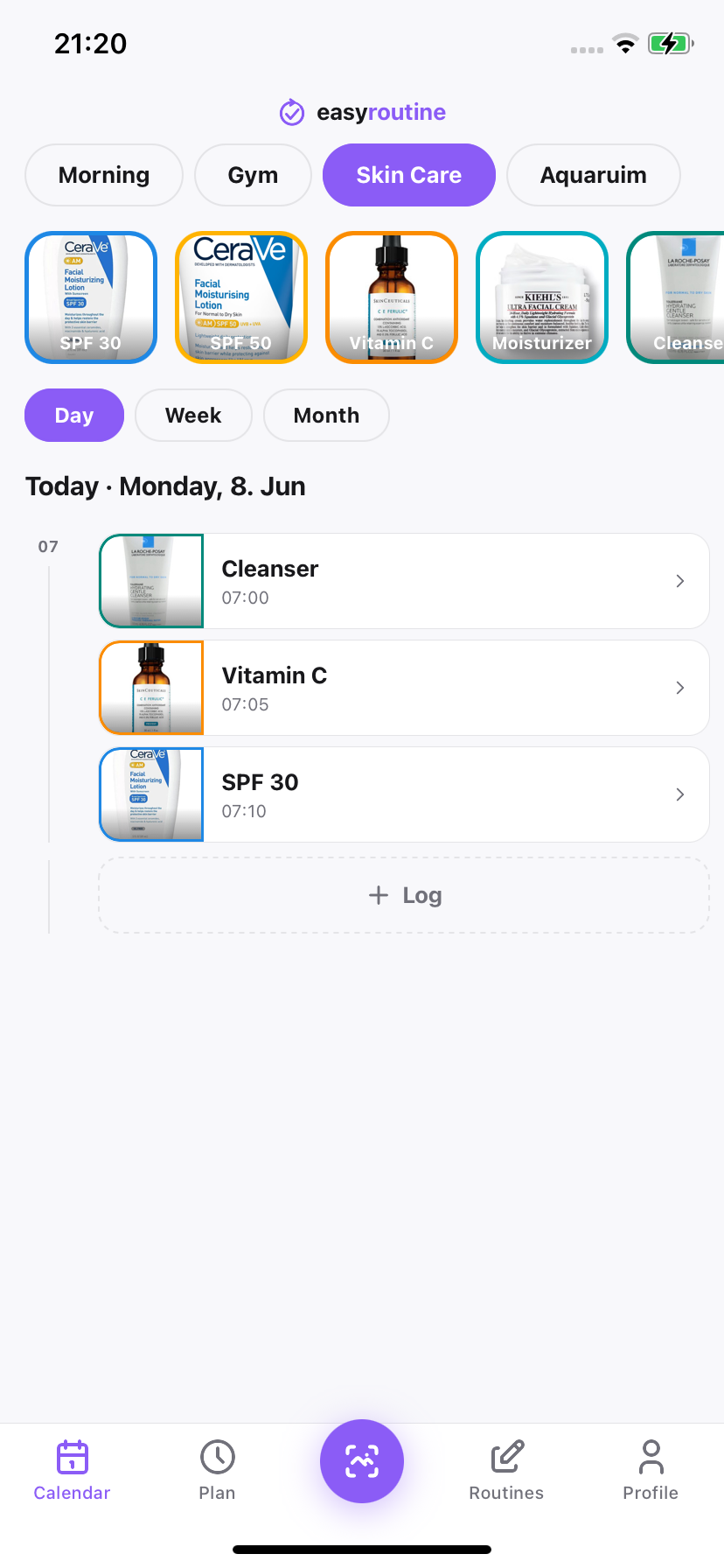
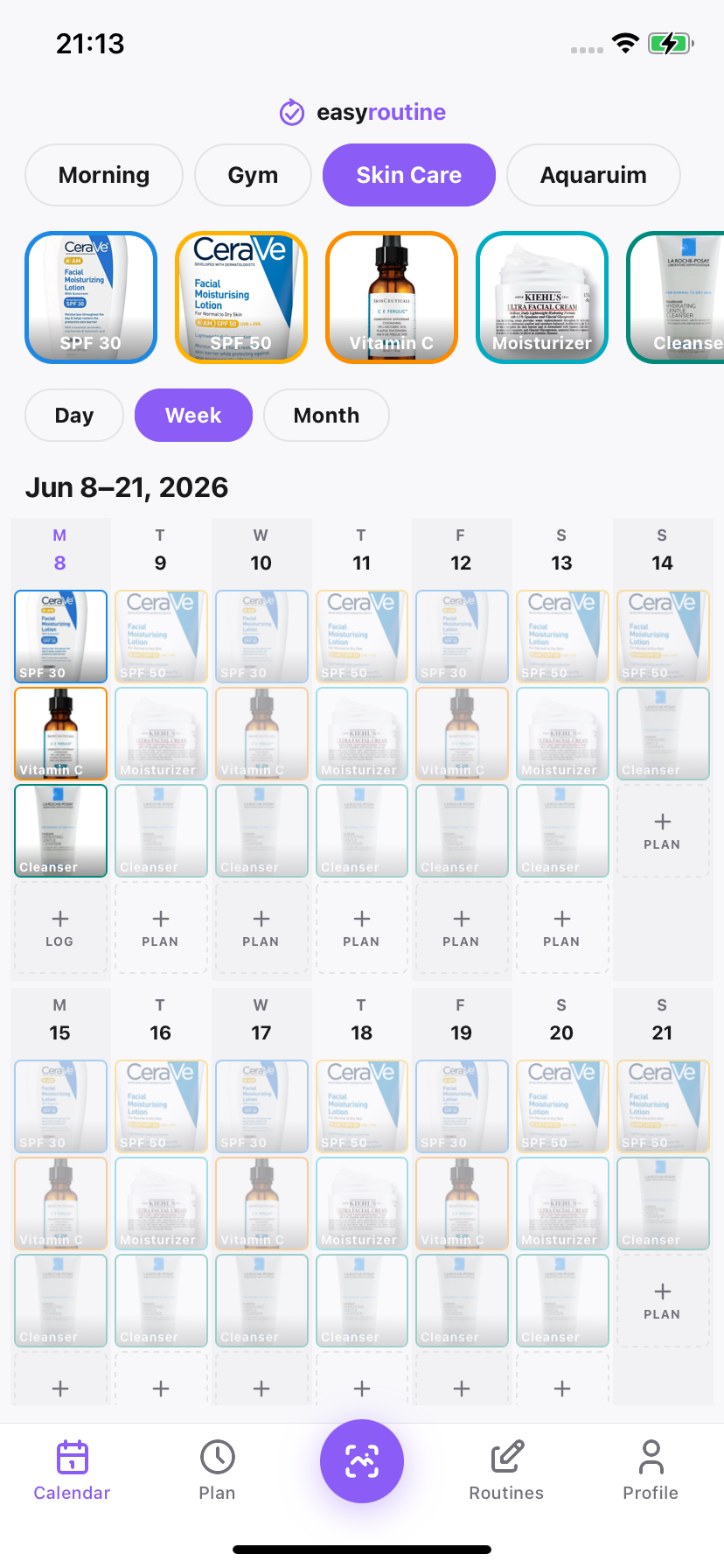
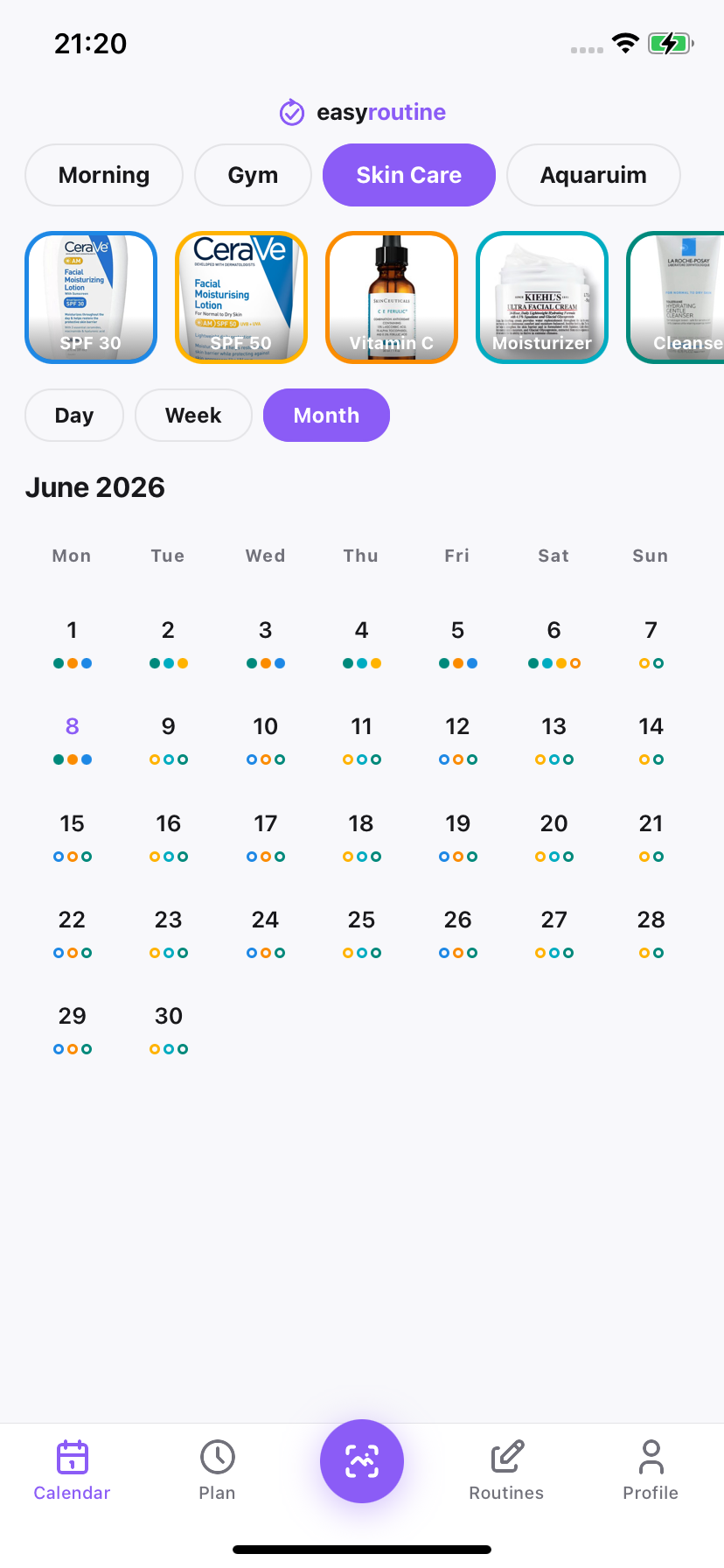
Three views
- Day: every activity logged today, with times and notes. The answer to "did I take it this morning?".
- Week: the default view. Gaps in a routine stand out immediately.
- Month: the long view, for treatments, training blocks and habits you are trying to make stick.
Notes and flags on every log
Each log can have a short note ("slight redness", "took with food", "20 min") and a red, amber or green flag. Both show on the calendar, so a month later you can see exactly when something changed. Activities have their own colour too, so a busy day is still easy to read.
Streaks and totals
Your profile shows your current streak, the number of days in a row on which you logged at least one activity, along with totals for routines, activities and logs. A day with no logs resets the streak, so it rewards showing up rather than perfection.
Free and Premium
Looking back is free: every view, logging on today and past days, notes, flags and your streak. Planning forward (scheduling activities onto future days, with reminders) is part of Premium.
Common questions
Is the calendar free?
Yes. The day, week and month views, logging, notes, flags and your streak are all free. Planning future days is part of Premium.
How is my streak counted?
Your streak is the number of days in a row, up to today, on which you logged at least one activity. A day with no logs at all resets it.
Can I log something I forgot to log earlier?
Yes. Tap the activity on the day you did it and adjust the time, or open a past day on the calendar and log it there.
What do the flag colours mean?
Whatever you want them to. Each log can carry a red, amber or green flag, which many people use to mark how it went, like a skin reaction or a hard workout.
Keep reading
Free on iPhone and Android. Sign in with Apple, Google or your email to start.