I'm worried about giving an app my email
That is a sensible worry. EasyRoutine needs an email address because the account is that address, but it keeps very little else from your sign-in: no password, no name, just the address and an ID from Apple or Google if you use them. It is stored in the EU and never sold.
What can go wrong when you hand out your email
Giving an app your address usually leads to one of three things you might not want: marketing mail you did not ask for, your address being passed or sold to other companies, or the address turning up in a data breach. The last one matters most if you reused a password there. Before signing up anywhere, it is worth checking:
- Why does the app need it? To identify your account, to send sign-in codes, or for newsletters?
- What else does it collect with it? Name, phone number, contacts, birthday?
- Who else gets it? Look for a plain "we do not sell your data" and a list of the companies involved.
- Can you hide it? Some sign-in options let you give a forwarding address instead.
What EasyRoutine keeps and why
Your email address is your account. It is how Google, Apple and email-code sign-in all find the same routines, and how you get back in on a new phone. EasyRoutine uses it to sign you in and for service messages, such as the 6-digit sign-in codes.
From your sign-in, the app keeps only:
- Your email address, typed by you or passed on by Apple or Google.
- An account ID from Apple or Google, if you sign in with them, so it recognises you next time. For Apple, also a token used to revoke Sign in with Apple when you delete your account.
It does not receive or store your name, your Apple or Google password, or a password of its own, because there is none. It never asks for your phone number, contacts or location.
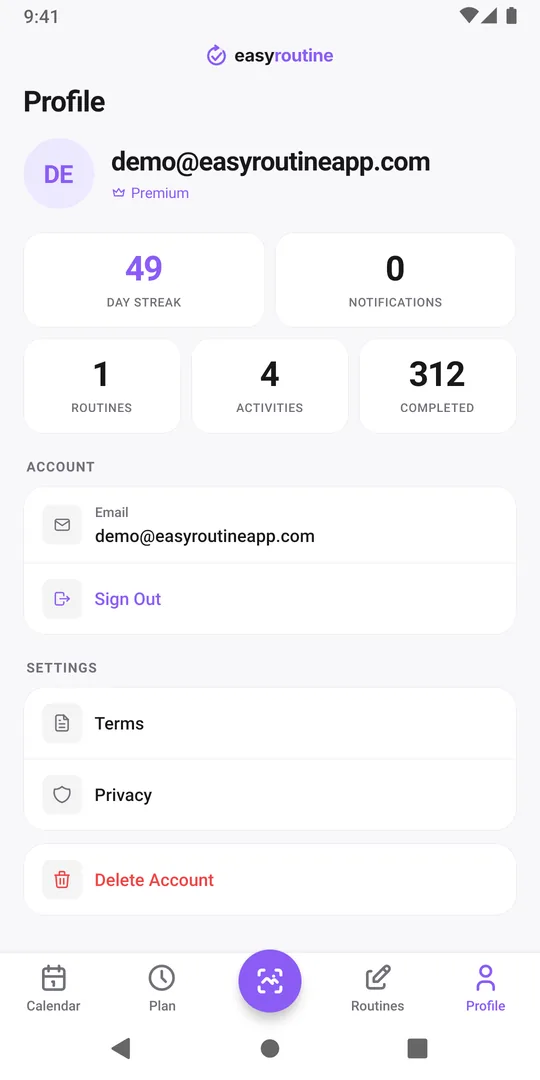
Hiding your real address
On an iPhone, Sign in with Apple lets you choose Hide My Email. Apple then gives EasyRoutine a random relay address that forwards to your inbox, and your real address never reaches the app. You can stop the forwarding later in your Apple settings.
There is one catch to know about: the relay address becomes your account. Sign in with Apple is not offered on Android, so if you might switch to an Android phone one day, that account is hard to reach from there. Hide My Email and switching to Android.
On Android, or if you prefer not to use Apple, you can use a separate address you keep for apps. Choose one you will still have in a few years, because you need it to sign in on a new phone.
Where your address goes
- Stored with your account on Hetzner servers in Helsinki, Finland, in the EU. Where your data is stored.
- An email provider delivers the sign-in codes, so it handles your address and the code.
- Apple or Google already know it if you sign in through them.
- Not advertisers. The free plan shows Google AdMob banners, but your email, routines and logs are never shared with advertisers.
- Not sold. EasyRoutine does not sell personal data.
The privacy policy lists every company involved. If you leave, Delete Account on the Profile tab removes your address with everything else, and backups expire within 30 days.
Common questions
Can I use EasyRoutine without giving an email?
No. An account is required and the account is an email address. On iPhone, Sign in with Apple with Hide My Email gives the app a relay address instead of your real one.
Does EasyRoutine get my name from Apple or Google?
No. The privacy policy says it does not receive or store your name or your Apple or Google password, only an account ID and, where verified, your email address.
Is my email sold or shared with advertisers?
No. EasyRoutine does not sell personal data, and your email, routines and logs are never shared with advertisers.
Is it safer to sign in with Google or with an email code?
Both work without a password for EasyRoutine. With Google, protect your Google account with two-step verification. With an email code, protect your inbox the same way.
Keep reading
- How to move your habit tracker data to a new phone and keep your streakSwitching phones, even iPhone to Android? A step-by-step checklist to move habit tracker data, logs and your streak, and to check that everything arrived.
- I signed in on my new phone and my routines are emptyYour EasyRoutine routines are not lost. An empty app after sign-in almost always means a different email address opened a new account. How to check and fix it.
- I used Hide My Email and now I'm switching to AndroidSigned in with Apple's Hide My Email and moving to Android? Your account email is a relay address. What that means and what to do before you switch phones.
- I get the same reminder twice on two phonesSame reminder on your old and new phone? Each signed-in phone rings for your account. Why it happens, and how to stop the duplicate without losing anything.
- I don't want to create a password for a habit trackerNo new password needed: EasyRoutine signs you in with Apple, Google or a one-time code sent to your email. How passwordless sign-in works and what to watch for.
- I don't want to stay signed in on a shared phoneUsing a family or borrowed phone? How to keep your habit log private: sign out after use, what signing out clears, and what to avoid on a shared device.
- I forgot which method I used to sign inCan't remember if you signed in with Apple, Google or an email code? In EasyRoutine the method matters less than the email address. How to find the right one.
- No internet and I can't open my routinesEasyRoutine shows No Internet Connection and won't open your routines offline. Why it needs a connection, what still works, and how to log what you did later.
- I'm under 16. Can I use EasyRoutine?EasyRoutine's minimum age is 16. Why an account is needed from the start, what that means for teens and parents, and what to do if a younger child signed up.
Free on iPhone and Android. Sign in with Apple, Google or your email to start.