A habit tracker app that syncs across phones, compared with offline-only apps
If your last tracker kept everything only on your phone, a new phone meant starting from zero. EasyRoutine keeps your routines and history in your account, so you sign in on the new phone and it is all there. The price is that it needs an account and an internet connection.
Why history disappears with local-only apps
Many simple trackers store everything on the device itself. That is fast and private, and it works anywhere. But the data lives and dies with the phone. Lose it, break it or switch from iPhone to Android, and unless you remembered to make and move a backup, months of streaks and notes are gone.
EasyRoutine takes the other approach. Your routines, activities, logs and activity photos are stored on EasyRoutine's servers, linked to your account, not only on your phone.
What happens to my data if I lose my phone?
Nothing happens to it. Install EasyRoutine on the new phone, sign in with the same account, and your routines, activities, history, notes and photos come back. There is no backup file to create or restore yourself, because the phone was never the only place your data lived.
If you have Premium, it follows your account too, so it carries over to the new phone after you sign in, even if you move between iPhone and Android. Keeping your data when you switch phones.
The same routines on two phones
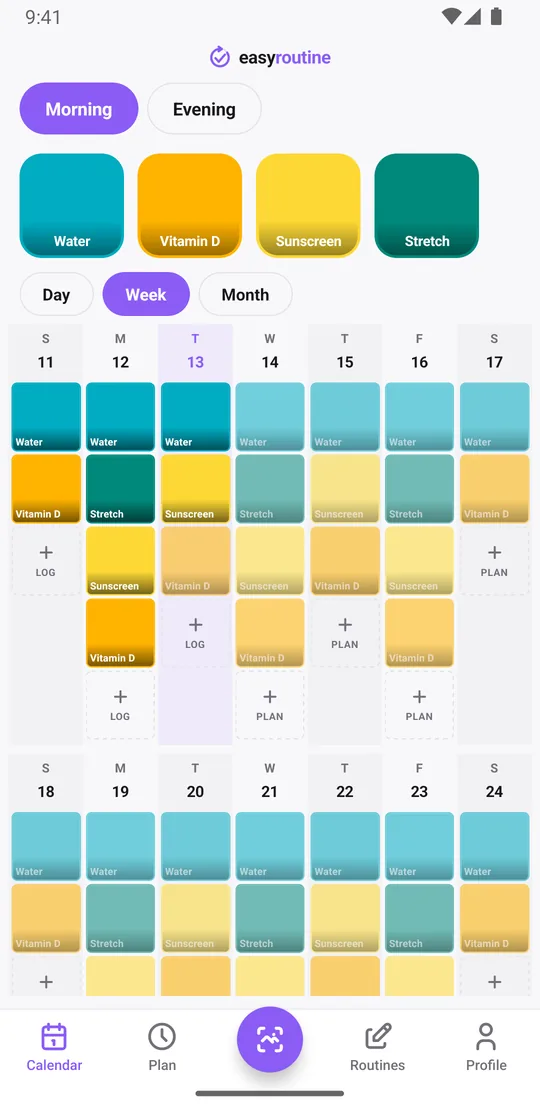
Can you use the same routines on two phones? Yes. Sign in with the same account on both and they share one set of routines and logs. Log your vitamins on your phone in the morning, and the entry is there when you open the app on your other phone. It works across platforms, so an iPhone and an Android phone can share the same account. Sign-in and sync.
Sync is for your own devices. There is no sharing with other people or other accounts.
How do I sign in?
There are three ways, and none of them needs a password:
- Email code: enter your email address and type the 6-digit code you receive. It is valid for 10 minutes.
- Google: on iPhone and Android.
- Apple: on iPhone.
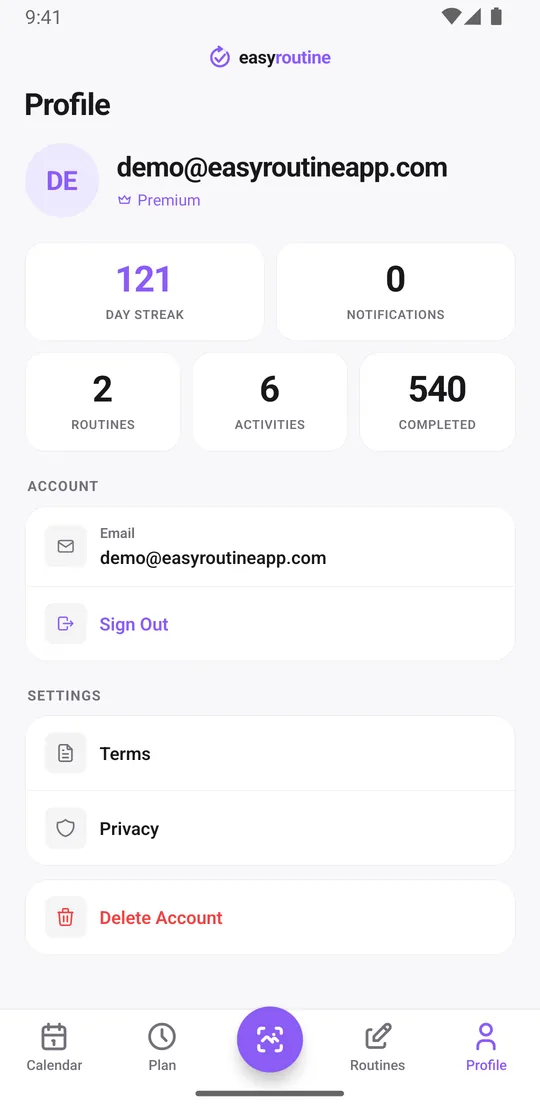
Use the same method on every device so you land in the same account. The Profile tab shows the account you are signed in with.
Is my data backed up automatically?
In the way that matters here, yes. Every log is saved to your account on EasyRoutine's servers as you make it, so there is no backup for you to schedule, and a lost or wiped phone does not take your history with it.
Two things to know. There is no export button in the app; you can get a copy of your data by asking by email, as described in the privacy policy. And if you delete your account in the Profile tab, your routines, logs and photos are deleted right away and do not come back when you sign in again.
What an offline-only app does better
To be fair, a local-only tracker has real advantages:
- It works without internet. EasyRoutine has no offline mode. Without a connection it shows a "No Internet Connection" screen until you are back online. Reminders that are already scheduled still fire, because they are stored on your phone, but you cannot log until you reconnect.
- No account: EasyRoutine requires one; there is no guest mode.
- Data stays on the device: with EasyRoutine your data is stored on servers in the EU (Hetzner, Helsinki). Photos go to an AI service when you add or scan them. Privacy.
- Export: some local apps let you save a file of your data. EasyRoutine has no export in the app; a copy of your data is available on request by email.
If you often log on flights, in places without signal, or simply do not want an account, a local-only app or a paper tracker may suit you better.
Who should choose which
Choose EasyRoutine if you have lost history before, use more than one phone, or plan to switch phones and want your routines to come along without any effort. Choose an offline-only app if you are often without a connection or prefer to keep your data on your own device.
Common questions
What happens to my data if I lose my phone?
It is safe. Your data is stored in your EasyRoutine account, not only on the phone. Sign in on a new phone and everything comes back.
Can I use the same routines on two phones?
Yes. Sign in with the same account on both, iPhone or Android, and they share the same routines and logs.
How do I sign in?
With a 6-digit code sent to your email, with Google, or with Apple on iPhone. No password is needed.
Is my data backed up automatically?
Your data is stored on EasyRoutine's servers rather than only on your phone, so there is nothing to back up yourself. There is no export in the app.
Does EasyRoutine work offline?
No. The app needs an internet connection to open and log. Reminders that are already scheduled still fire offline.
Keep reading
Free on iPhone and Android. Sign in with Apple, Google or your email to start.